How to find a Swiss company's NOGA code
How to find a Swiss company's NOGA code: the UID register, the FSO's KUBB tool or an AI assistant. Methods, limits and mistakes to avoid.
Updated on
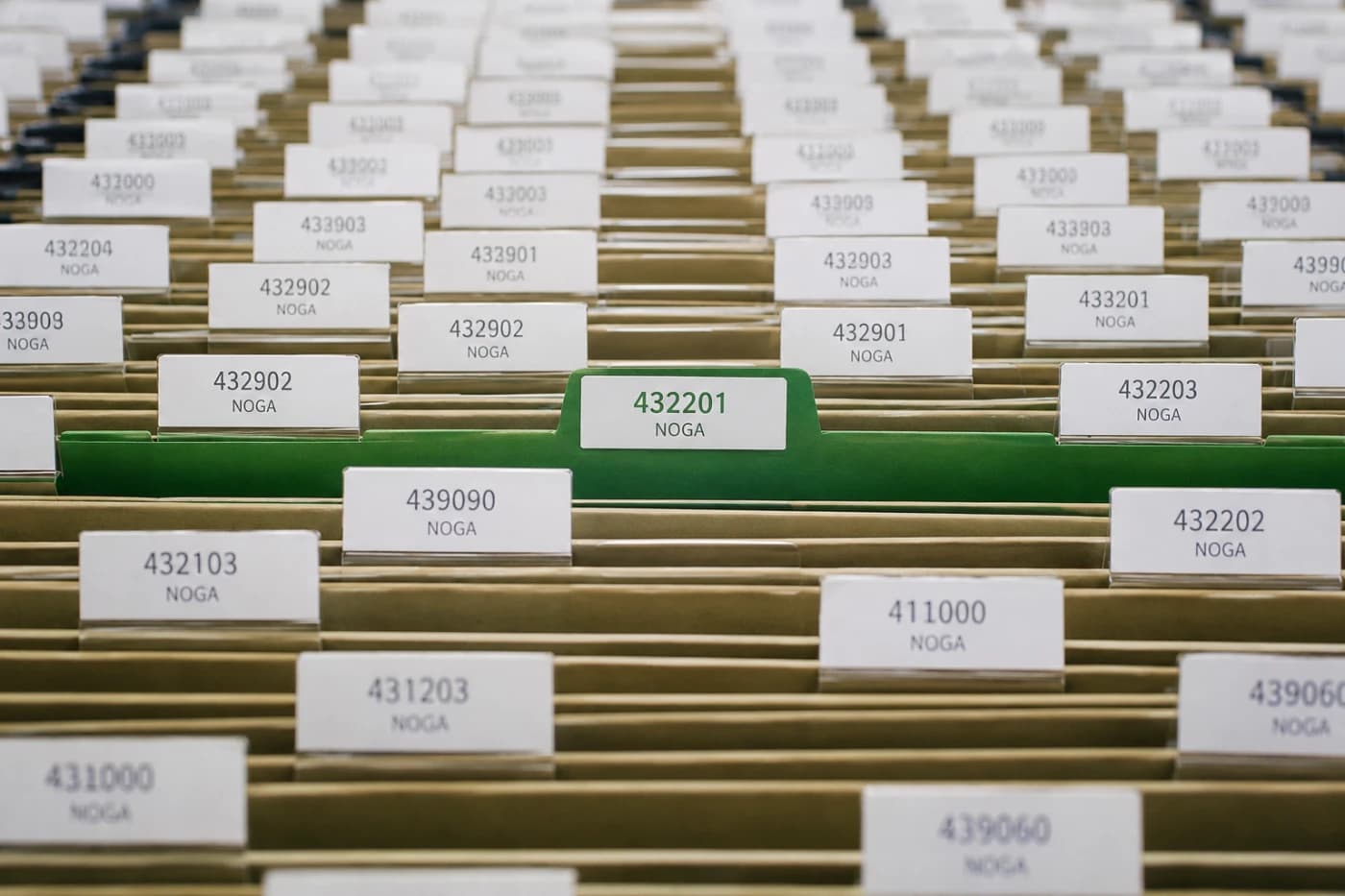
I work a lot with NOGA codes: they are used to target businesses by sector, in prospecting as well as in market studies. And I often find that business owners know neither their code nor how to check it. Here are the methods that work, with their limits.
What is the NOGA code?
NOGA (General Classification of Economic Activities) is the Swiss classification of economic activities. It is managed by the FSO and used to code every business and establishment in the Business and Enterprise Register (BER).
It is aligned with the European NACE classification for its first four levels, and adds a fifth level specific to Switzerland. A full code therefore has six digits:
| Level | Name | Example from NOGA 2025 |
|---|---|---|
| 1 | Section (letter) | C: Manufacturing |
| 2 | Division (2 digits) | 20: Manufacture of chemicals and chemical products |
| 3 | Group (3 digits) | 205 |
| 4 | Class (4 digits) | 2051: Manufacture of liquid biofuels |
| 5 | Type (6 digits) | Swiss-specific subdivision |
The code is used first and foremost for statistics: employment, business demography, value added by sector. But it is also reused by many private players, for sector analyses or prospecting. A code that does not match your real activity puts you in the wrong box, wherever that data is used.
Key point: you don't choose your code. The provisional code is derived from the activity description given at registration, then confirmed or corrected by the FSO. Taking care over that description is therefore the best way to get an accurate code.
Method 1: the UID register, for your own company
The UID register (uid.admin.ch) is the official source for the NOGA code assigned to your company.
- Go to uid.admin.ch.
- Log in with the access details you received with the letter giving you your UID number.
- Open the full extract of your data: the NOGA code appears among the additional attributes.
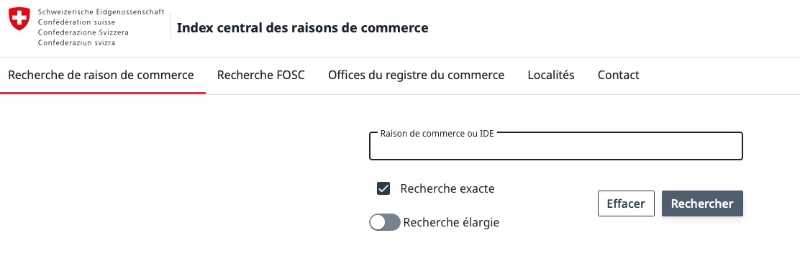
For another company, the commercial register, which you can search on Zefix, gives the company's purpose: the official description of its activity. It lets you infer the sector, but the NOGA code itself belongs to the UID register.
Limitation: this method only lets you look up an existing code. It does not help you identify the code for an activity or for a company being set up.
Method 2: KUBB, the FSO's official tool
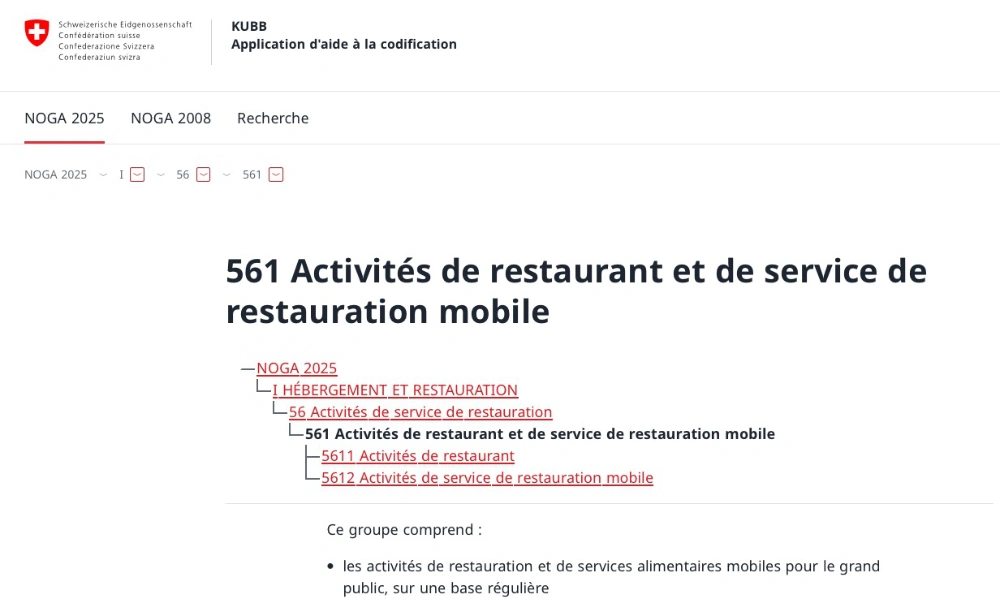
KUBB is the FSO's coding assistance application. It is the reference tool for finding a code from an activity.
- You enter keywords describing the activity ("IT consulting", "bakery").
- The tool suggests matching codes, with their official label.
- You can also browse the entire structure of the classification, section by section, and read the explanatory notes for each code.
Its limits: keyword search often returns several similar codes without saying which fits best. For a hybrid activity (a consultant who also trains, a shop that sells mostly online), you need to read the explanatory notes to decide.
Method 3: an AI assistant for shortlisting
An AI assistant lets you start from a plain-language description rather than administrative keywords. For example: "I'm self-employed, I build websites and do a bit of marketing consulting for SMEs."
That is the principle behind NOGA Finder, a free tool offered by Zenyio, a service I develop. I mention it in full transparency: within seconds, it suggests the most plausible codes with their official label.
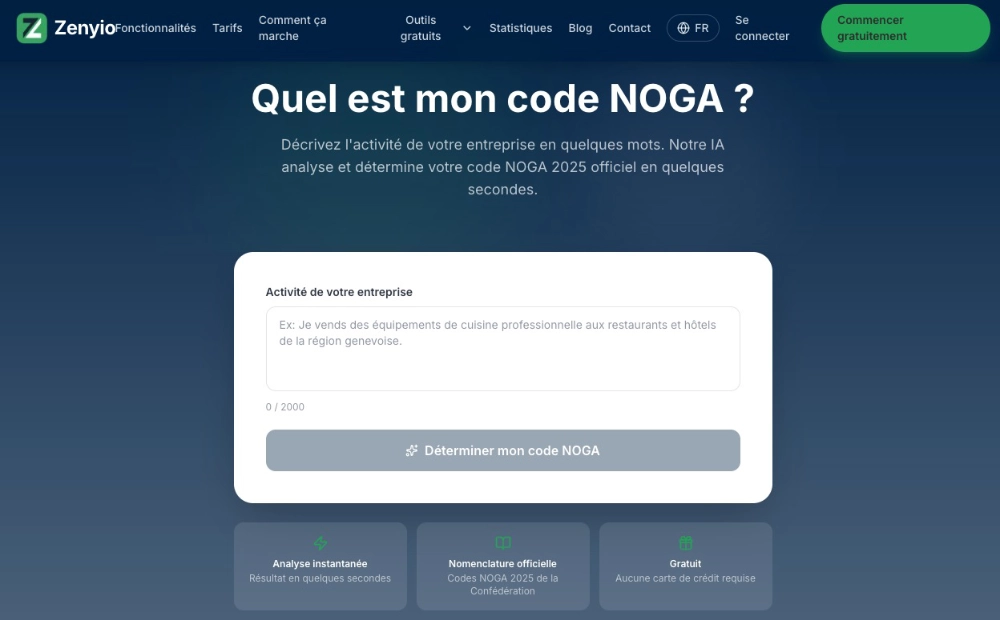
Its limits: like any AI tool, it can get an ambiguous activity wrong, and it never replaces the official assignment by the FSO. Use it to shortlist two or three codes, then check them in KUBB.
Which method should you choose?
| Your situation | Method |
|---|---|
| Finding out the code assigned to your company | UID register |
| Understanding another company's activity | Zefix (company purpose) |
| Finding the exact code for an activity | KUBB |
| Shortlisting quickly, without jargon | AI assistant, then check in KUBB |
Common mistakes to avoid
1. Describing your activity too vaguely at registration. "Services" or "consulting" is not enough. The more precise the description, the more likely the provisional code is to be right.
2. Never checking your code. Many businesses discover an inconsistent code years after they were set up. Checking it in the UID register takes two minutes.
3. Forgetting to report a change of activity. A business that pivots must report it, by answering the ERST survey or contacting the FSO. The code is not set in stone.
4. Confusing main and secondary activities. The code matches the main activity of each establishment, the one that generates the largest share of value added. Side activities do not change the code.
5. Still thinking in NOGA 2008 codes. With the move to NOGA 2025, some codes have changed. Check your code in the current version before using it in a document or a tool.
My view
KUBB remains the reference, and it has the final say when deciding between two similar codes. The UID register is the only place to look up the code actually assigned to your company.
An AI assistant is useful to save time at the start, especially if the classification's vocabulary is unfamiliar to you. But I see it as a starting point, not a final answer.
If you use NOGA codes to target businesses in your sales processes, it is exactly the kind of task that automates well, as a third of Swiss SMEs that have integrated AI and automation already do. I cover this in my guide to business automation with AI, and I present my services on the page process automation and AI in Geneva.
Useful sources
- Federal Statistical Office, General Classification of Economic Activities (NOGA)
- Federal Statistical Office, NOGA 2025: introduction (PDF, in French)
- Federal Statistical Office, UID Register
- KUBB, coding assistance application
- Zefix, central business name index
Frequently asked questions
What I’m asked most often
- Who assigns a company's NOGA code?
- The Federal Statistical Office (FSO). When a business is registered, a provisional code is derived from the description of its activity. It is then confirmed or corrected, in particular through the update survey of the Business and Enterprise Register (ERST). The business therefore does not choose its code: it describes its activity.
- How do I change my company's NOGA code?
- Report the change of activity to the FSO, by answering the ERST survey when you receive it or by contacting the Business and Enterprise Register directly. If your company's purpose changes, the change also goes through the commercial register. Provide a precise description of your current main activity.
- Can a company have several NOGA codes?
- Each local unit (establishment) receives a code matching its main activity. A simple business with a single establishment therefore has one code. A business with several establishments may have several, and its overall code is derived from them.
- Does the NOGA code have legal value?
- No. NOGA is a statistical classification, designed to produce economic statistics that are comparable within Switzerland and with Europe. It is, however, reused by many players (sector analyses, prospecting tools, market studies), which is why it pays to have a code consistent with your actual activity.
- What is the difference between NOGA 2008 and NOGA 2025?
- NOGA 2025 is the new version published by the FSO. It is based on the European NACE Rev. 2.1 and reflects economic changes over the past fifteen years, particularly in digital activities. Some codes change: check your code in the current version with the KUBB tool.

Written by
Thierry Barbezat
Independent consultant in Geneva. Co-owner of an SME for ten years before moving full-time into automation, web design and SEO. CAS in digital communication from the University of Geneva, certified in n8n and Make.
Related articles
- Business automation with AI: what really changes for an SME
Business automation with AI: what it really changes, examples by trade, how to get started and the mistakes SMEs should avoid.
- Why Swiss SMEs are adopting automation and AI
34% of Swiss SMEs built AI into their processes in 2025. Verified figures, use cases, obstacles and a method for automating without taking risks.
- How to choose the best SEO agency in Geneva
How do you choose an SEO agency in Geneva? 8 verifiable criteria, the warning signs flagged by Google, and when an independent consultant is enough.
First call, no commitment
Let’s talk about your project.
Thirty minutes is enough to know whether I’m the right person to help you, and roughly what it would take. If I’m not, I’ll tell you on that call.